AI-built site → WordPress theme
Turn your AI-built site into a WordPress theme
Drop an export from Lovable, v0, Bolt or plain HTML below — free preview, no sign-up.
- Preview never expires
- No sign-up to convert
- $49 one-time unlock
Works with
 Lovable
 v0
 Bolt.new
 Base44
 Claude
 Framer
- HTML
 Cursor
The output
A real theme, on a real WordPress.
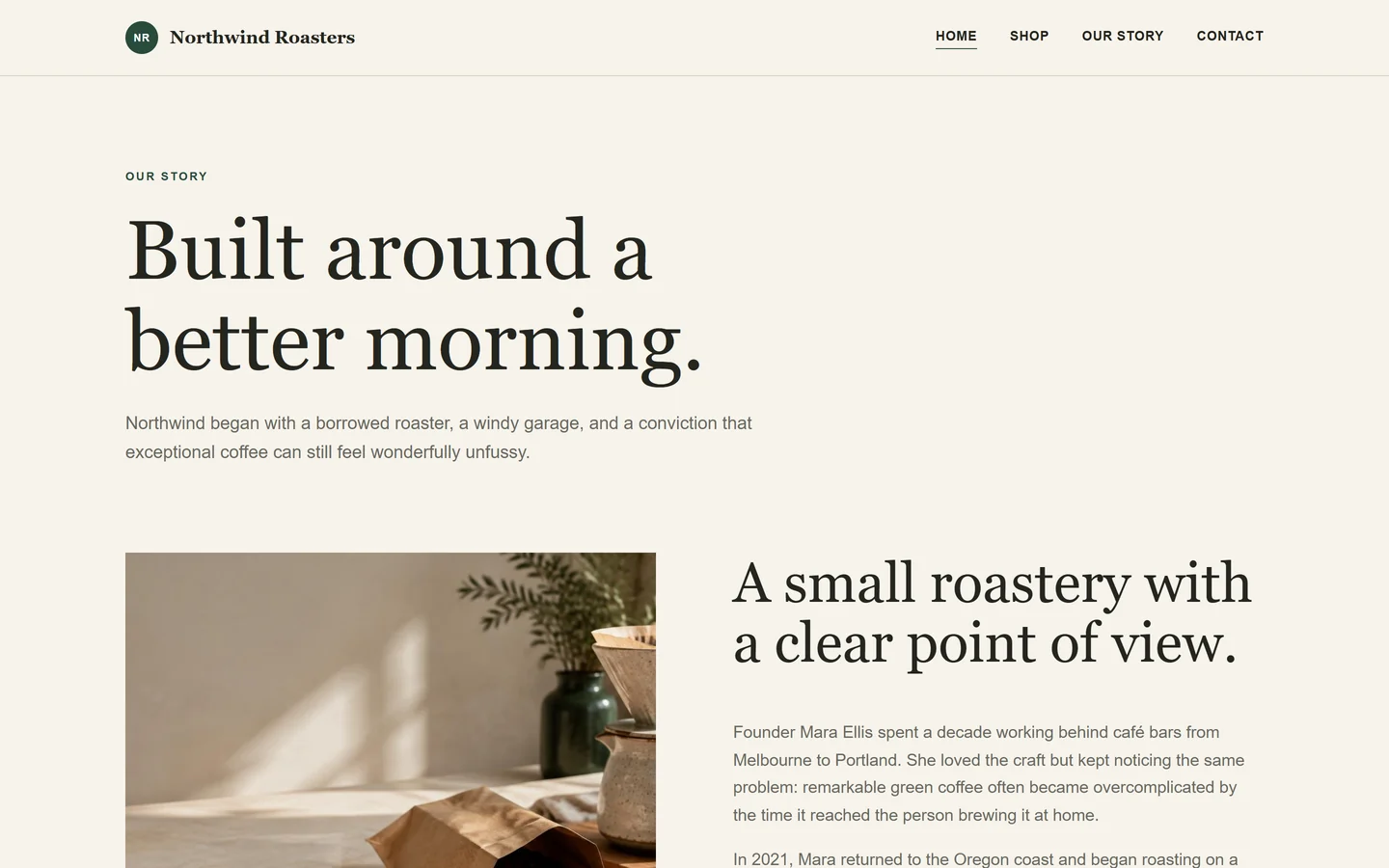
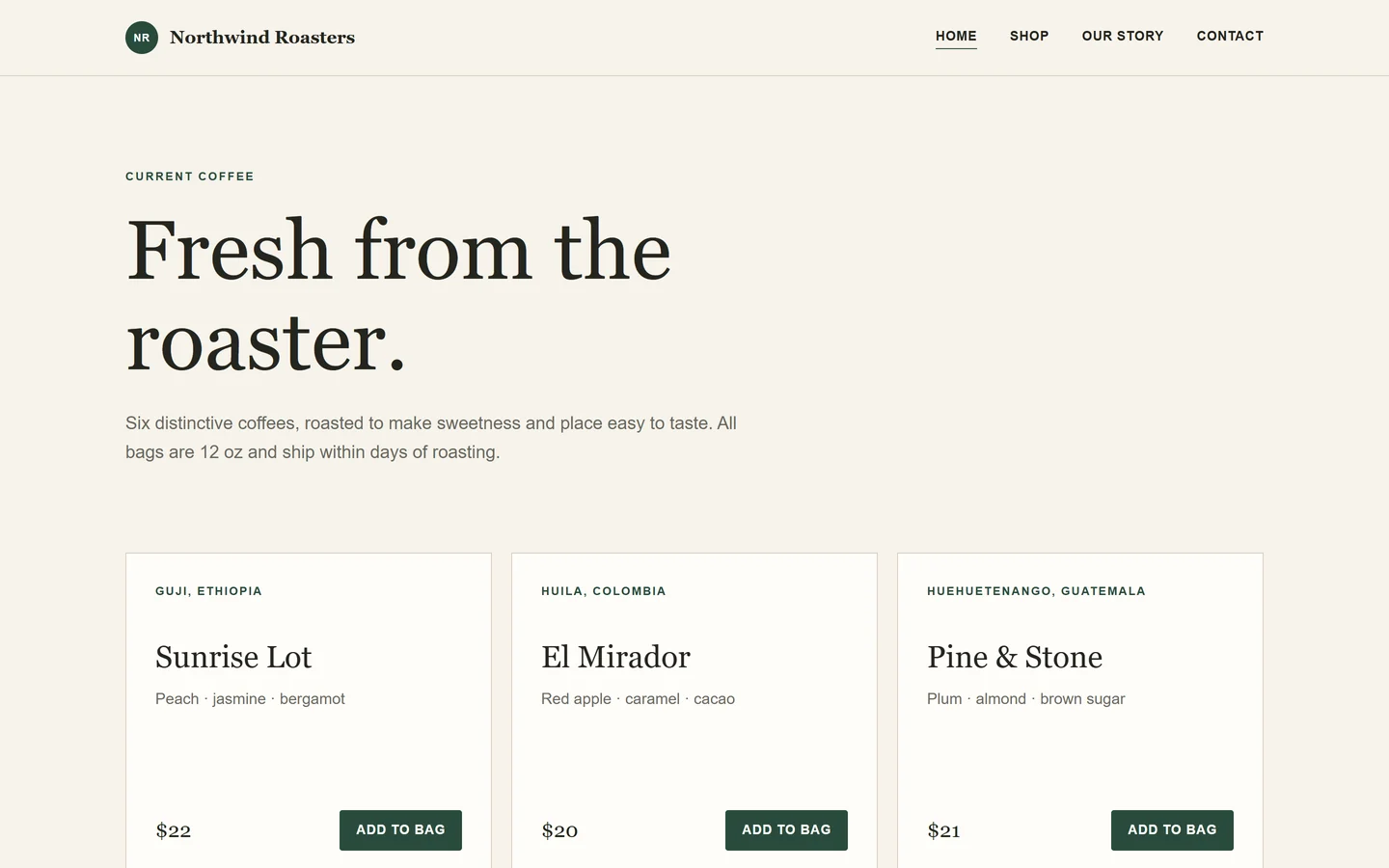
A client site converted from a static export: same layout, same photos, now a theme you install once and hand over. Every screenshot below comes from that install, not from a mockup.
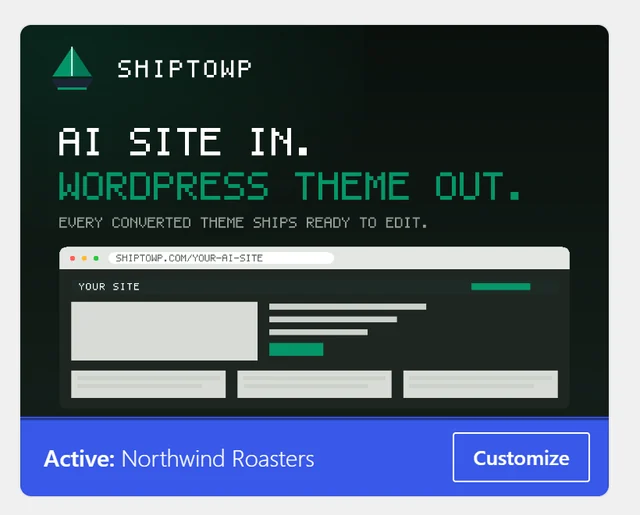
- Installs from Appearance → Themes, like any other theme
- One template per page, every section marked by role
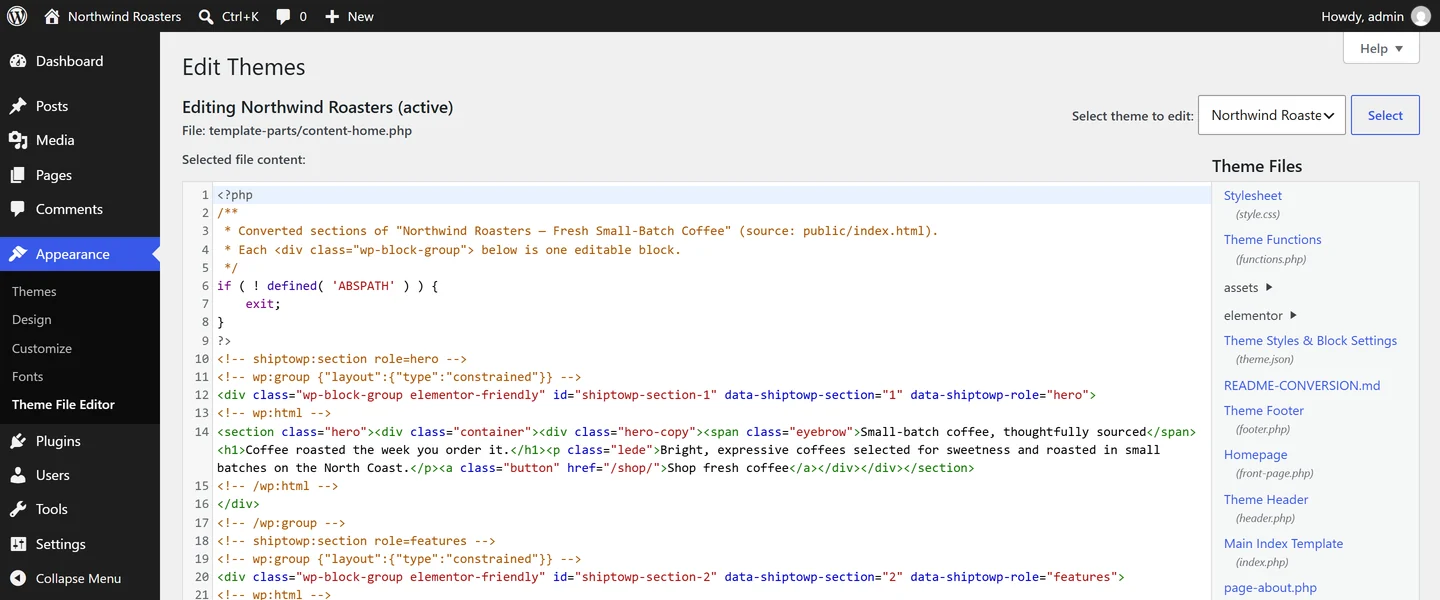
- Editable in the block editor, or directly in the theme files
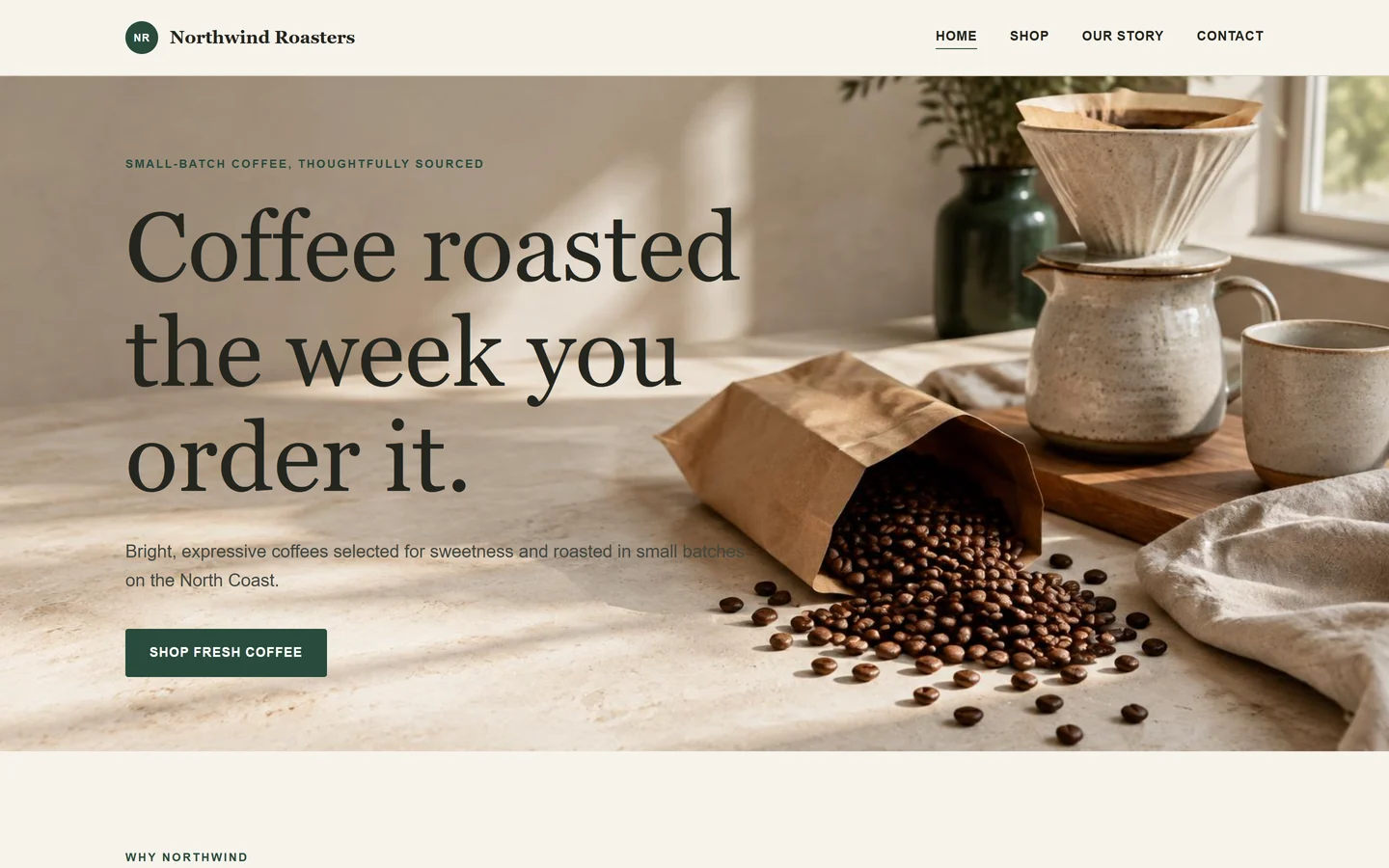
The handoff is done when the client stops calling you.
Building with AI is fast. Delivering is the hard part: the site lives in a builder account, edits need a subscription, and you stay the only person who can touch it.
ShipToWP rebuilds your export as an ordinary WordPress theme, so the site runs on your host and the client edits in the dashboard they already know.
Built the WordPress way, not wrapped around it
No proprietary runtime, no iframe, no shortcode that owns your layout. WordPress enqueues, hooks and templates — the same as any theme you would write by hand.
Structure
Editable where the client works
Each page comes back as a theme template with the layout split into role-marked sections, so text and structure stay reachable from wp-admin instead of being flattened into one dead block.
Builders
Page-builder friendly
The section structure is kept clean so a page builder or the block editor can work on top of the theme later, without fighting a wrapper div.
Exports
React exports render first
Lovable, v0 and Bolt ship a script plus an empty shell. ShipToWP opens the built export in your own browser tab, waits for each page to paint, and converts the markup that appeared.
Just files, on any host
The output is a standard theme folder — one template per page, with every section marked by the role it plays. Nothing here depends on ShipToWP staying online.
Appearance → Themes → Add New → Upload Theme
From export to handover in four moves
The whole conversion runs in one sitting. The only thing that takes time is waiting for the preview to finish booting.
- 01
Export
Download the code export from your builder. If it ships as React source, build it once and keep the dist folder.
- 02
Upload
Drop it into the converter. Pages that only render in a browser are rendered locally first.
- 03
Preview
Open the converted site live in your browser and click through every page before downloading.
- 04
Install
Upload the theme zip under Appearance > Themes on any WordPress 6.x host and activate.
Start from the tool that built your site
Each guide says exactly what converts cleanly for that builder, and what you will need to rebuild by hand when you turn its export into a WordPress theme.
We would rather tell you now than at checkout
This is a theme converter, not a website builder and not a hosting product. Here is the line, drawn before you pay anything.
Good fit
- Client sites you designed with Lovable, v0, Bolt, Base44, Claude or Framer
- Marketing and landing pages that need a CMS the client already knows
- Agencies that want one handoff, not a builder subscription per client
- Redesigns where the HTML is final and WordPress is the missing piece
Not a fit
- Online stores. That is a WooCommerce project, not a theme conversion
- App logic. Auth, databases and Supabase backends stay where they are; the interface moves, the behavior does not
- Memberships and dashboards that live behind a login
Questions, answered straight
ShipToWP is an HTML to WordPress converter for AI-built sites. It turns the export from builders like Lovable, v0 or Bolt into a real WordPress theme you install on your own host — free to preview, $49 to download.
Still unsure whether your export converts? Email the export and we will tell you before you pay.
Which builders and exports are supported?
Lovable, v0, Bolt.new, Base44, Claude, Framer and any static HTML export. Upload the built pages (a dist folder or .zip) or a single .html file. Source projects need one npm run build first so there is HTML to convert.
Can I convert static HTML to a WordPress theme for free?
Yes. Drop a .zip or a single .html file and the free preview shows your site running as a real WordPress theme before you pay anything, and the preview never expires. ShipToWP is an HTML to WordPress theme converter: the $49 unlock only covers downloading the installable theme zip.
What does the $49 unlock include?
The full installable theme zip (one download per unlock), per-page templates with editable section blocks, styles enqueued the WordPress way, a shared header and footer, a navigation menu location, and editor color and font presets via theme.json. No subscription.
Does the free preview expire?
No. The preview stays up so you can decide on your own schedule. That is a deliberate difference from other converters, and it is why the preview never asks for a card.
Is my design kept?
Yes, as static markup: per-page templates, enqueued styles and editable section blocks. Interactive JavaScript widgets (carousels, menus that need JS) come over in their static state; check them in the preview and rebuild the behavior with a plugin if you need it.
Do you host the WordPress site?
No. You install the theme on your own WordPress 6.x site. ShipToWP converts; you own the hosting, the data and the dashboard.
What happens after I pay?
The download unlocks on the job you converted and stays attached to your account, so you can come back for the zip later. The preview link does not expire either. One payment covers one theme.
Pricing
Preview free. Pay once to download.
Every conversion starts with a free live preview: no account, no card, and the preview never expires. Unlocking the theme is one payment, not a subscription.
$49one-time, per theme
No subscription, no seats, no per-page fees.
Full installable WordPress theme zip, one download per unlock
Per-page templates with native Gutenberg blocks + one Elementor import template per page
Styles enqueued the WordPress way, shared header and footer parts
Navigation menu location plus editor color and font presets (theme.json)
Works on any self-hosted WordPress 6.x site
Preview stays up after purchase, so you can compare revisions
Try it on the site you are delivering this week
Start with a free preview that never expires, no sign-up. Unlock the theme download with a one-time payment.
Convert your site free